> For the complete documentation index, see [llms.txt](https://fleetdocs.hyvikk.space/llms.txt). Markdown versions of documentation pages are available by appending `.md` to page URLs; this page is available as [Markdown](https://fleetdocs.hyvikk.space/explore-features/settings/travel-allowance.md).
# Travel Allowance
**Manage** **Travel Allowance**\
Travel allowance refers to the amount provided to cover expenses incurred during official travel, such as food, lodging, transport, and other related costs.
Manage Travel Allowance
#### Add Travel Allowance
Add Travel Allowance
* **Name** – Enter the name of the travel allowance (e.g., Food Allowance, Lodging Allowance, Mileage Allowance)
{% hint style="info" %}
If any travel allowance type is added from the settings module, it will be available in the dropdown while adding a travel allowance entry. If deleted, it will also be removed from the dropdown list automatically.
{% endhint %}
**Manage Travel Allowance Entries include –**
o View travel allowance entries
o Search and filter records
o Delete and multi delete entries
o Show entries (10, 25 & 100)
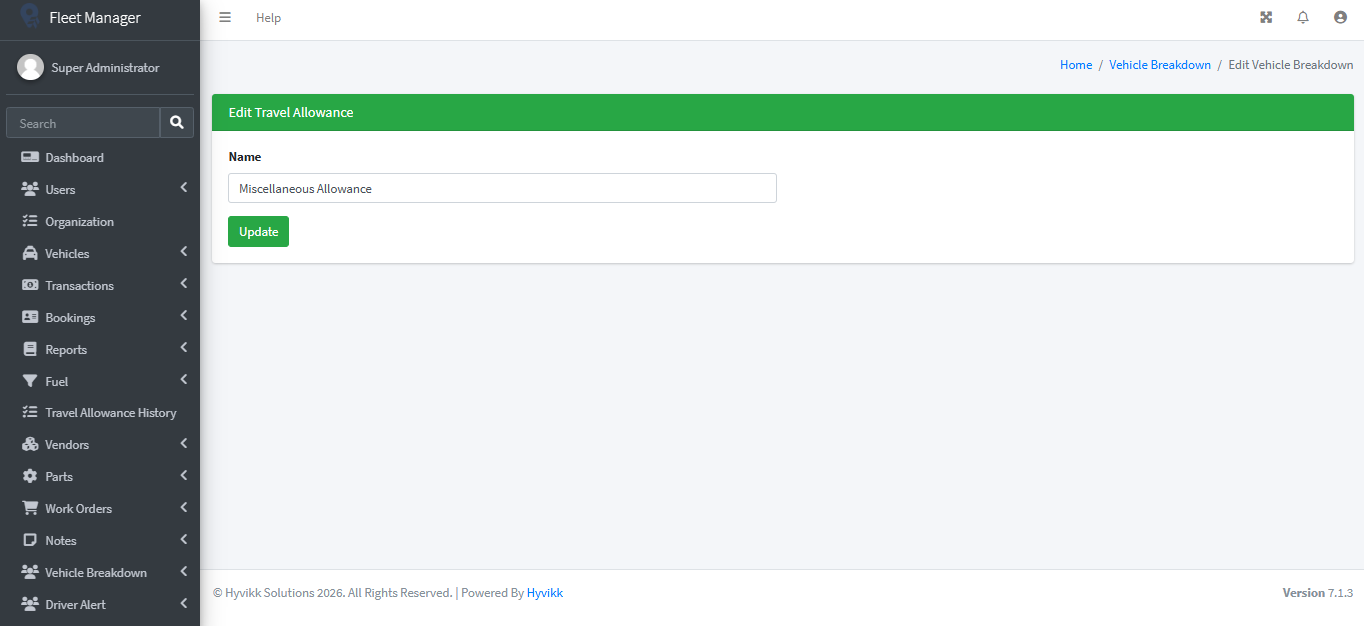
#### Edit Travel Allowance
The admin can edit recorded travel allowance entries at any time by taking the appropriate action.
Edit Travel Allowance
#### Delete – Travel Allowance
The admin can delete recorded travel allowance entries by taking the appropriate action.